Randomly · Short reminders, at moments you don't expect.

Reminders You'll Actually Notice

A reminder at 9:00 every morning stops working by day three. Randomly sends its reminders at unpredictable moments instead, so each one still lands.

Coming Soon to the App Store

Features

Never on a Schedule

Pick how often, from a few a day to once a month. Randomly chooses the moments, inside the hours you allow, so you can't learn to tune them out.

Libraries for Every Habit

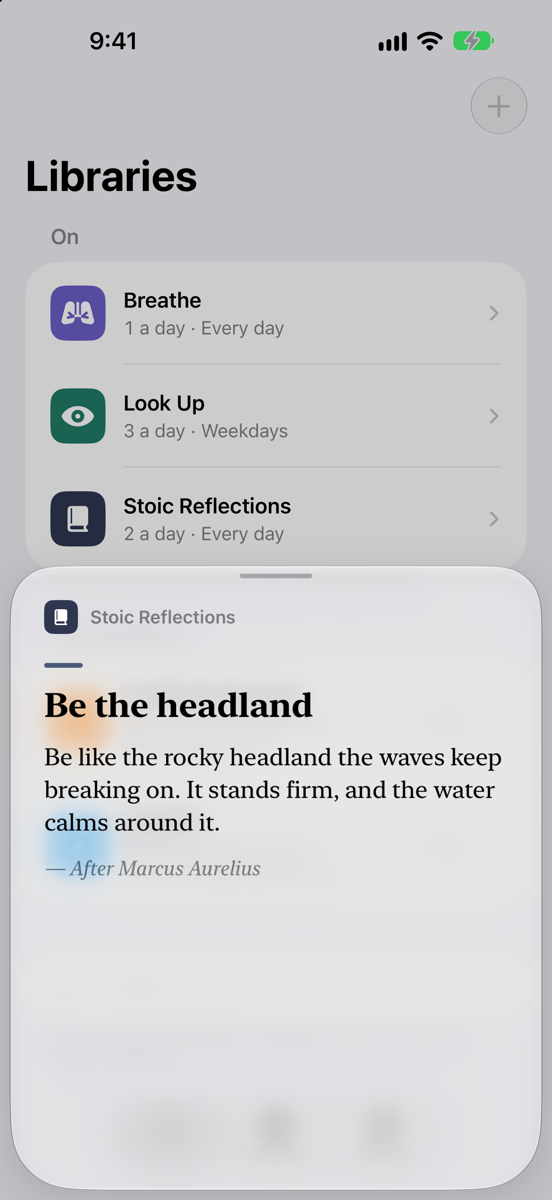
Stoic lines from Marcus Aurelius and Seneca, 30-second breathing exercises, gratitude prompts, water reminders, and screen breaks.

Write Your Own

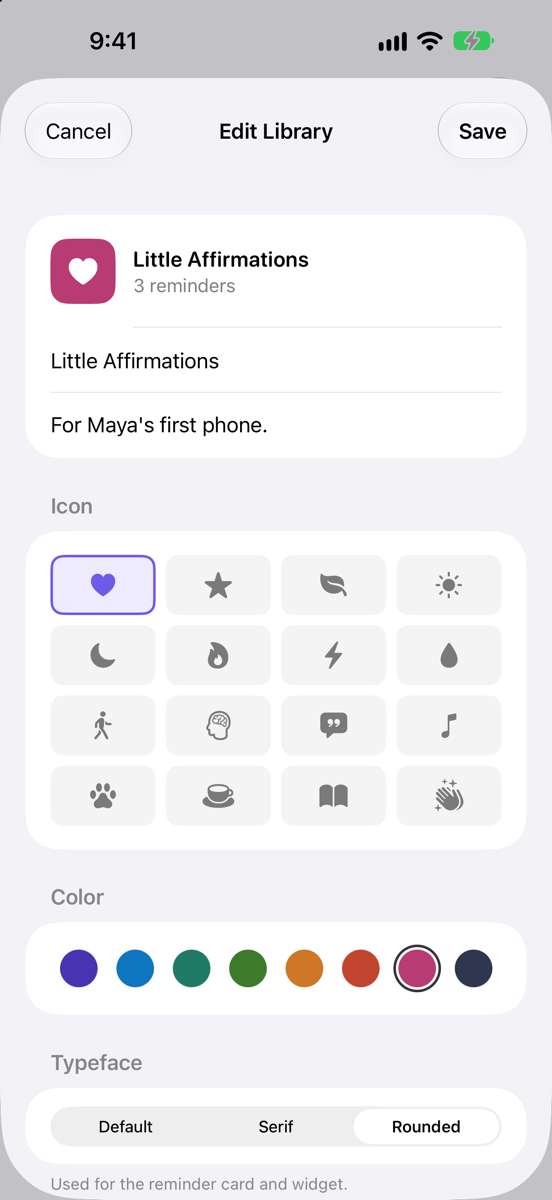
Make a library of your own words: affirmations for your kid's first phone, your team's values, or the mantra you keep forgetting.
Out of the Blue

A Stoic reminder card: Be the headland
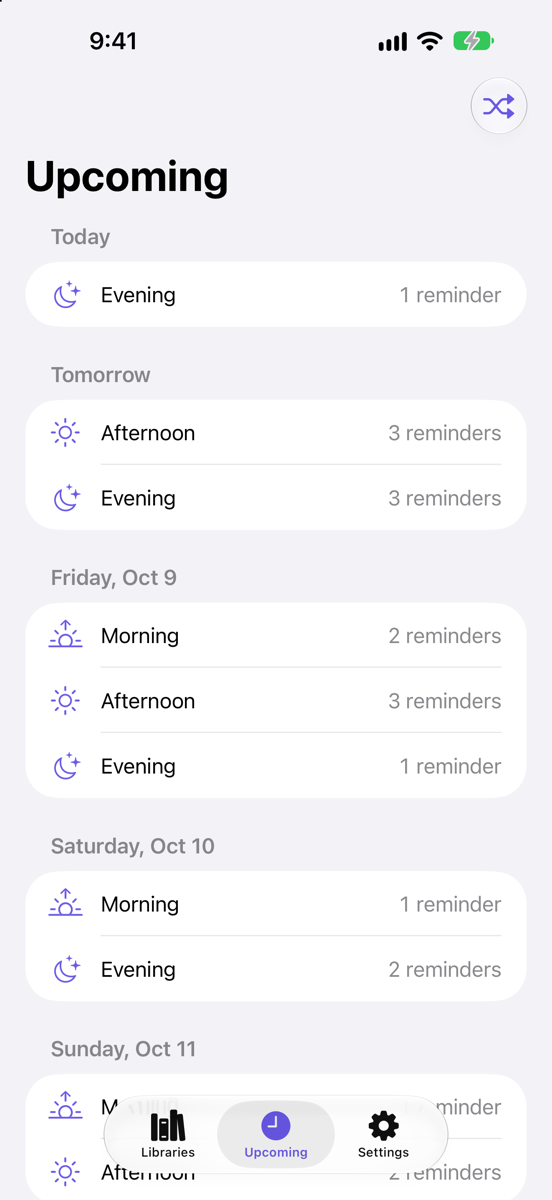
Upcoming reminders, shown only as morning, afternoon and evening
Making a custom library called Little Affirmations

Support

My reminders aren't arriving.

Check that notifications are on for Randomly in your iPhone's Settings, under Notifications. In the app, make sure at least one library is on and that your active window in Settings covers the hours you're awake. Focus modes can also hold notifications back.

Can I see exactly when the next one comes?

The Upcoming tab shows roughly when, morning, afternoon or evening, but keeps exact times hidden so reminders still feel unexpected. Shuffle in Upcoming picks a fresh set of times.

Why is one of my libraries paused?

The free version sends from two libraries at a time. Turn one off to switch, or unlock Randomly Plus to use as many as you like, along with libraries you write yourself.

I bought Randomly Plus but it isn't unlocked.

Open Settings in the app and tap Restore Purchases, signed in with the same Apple Account you bought with. Plus is shared with your Family Sharing group too.

Something else?

Email jeremy@samuraicode.com and we'll get back to you.